Every localhost, one click away.
ProjectQuickBar lives in your menu bar and shows every local dev server — open, run, stop, or share any project without touching a terminal.
Free during launch · macOS 13+ (Apple Silicon) · Windows 10/11 x64 (beta)
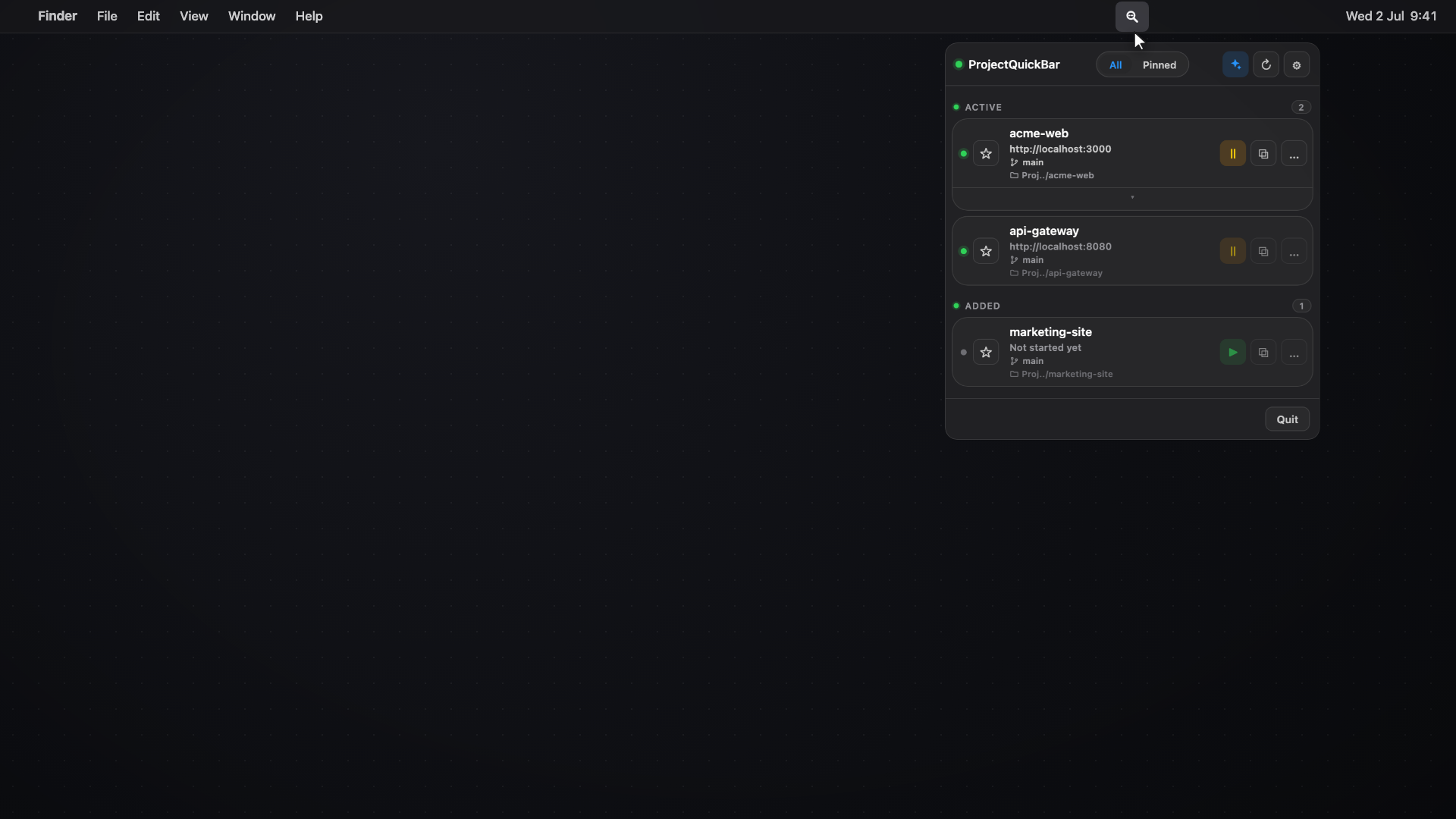
Instant overview
Every project, one click away.
Click the menu-bar icon and every dev server is right there — names, ports, and branches at a glance. Open a project, or focus the tab you already had.
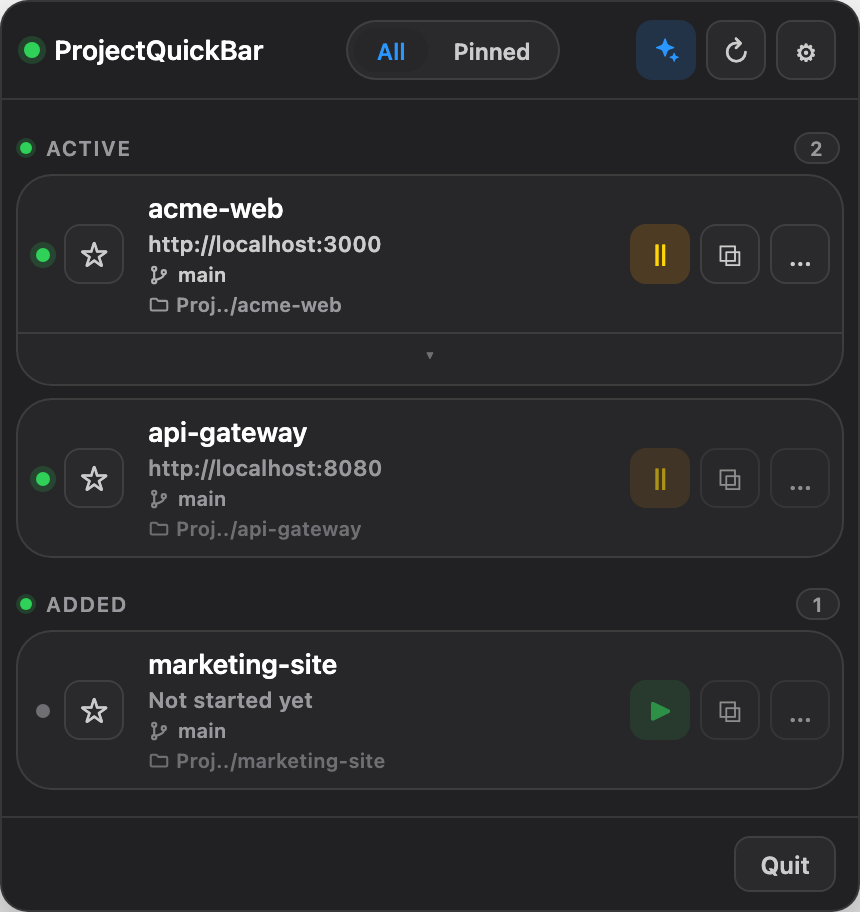
Run and stop
Skip the terminal wrangling.
Press play and ProjectQuickBar starts the project in your real terminal — visibly, no hunting for the right command. Press pause and it stops only what it started.
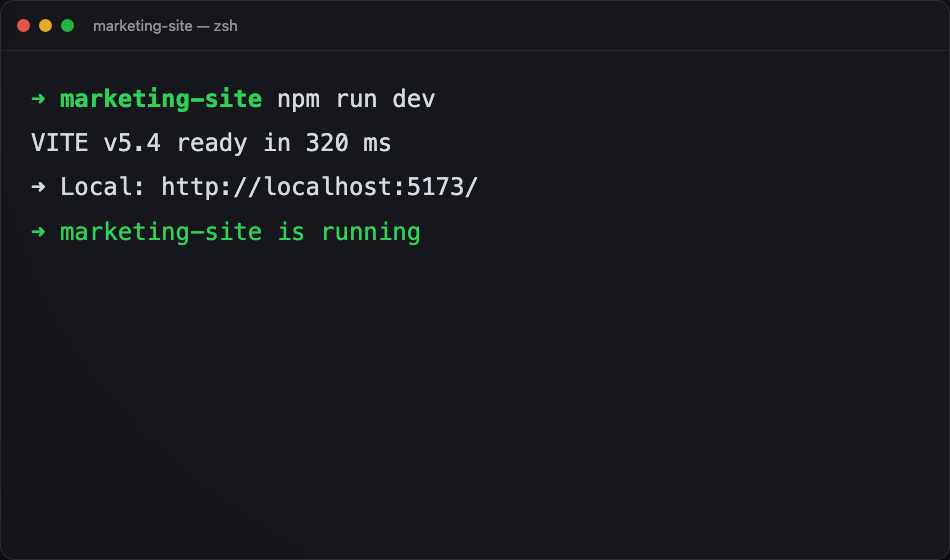
URL chips
Jump straight to any page.
Pin the routes you actually work on — /admin, /docs, the screen you're building. One click opens it, or focuses the tab that already has it.
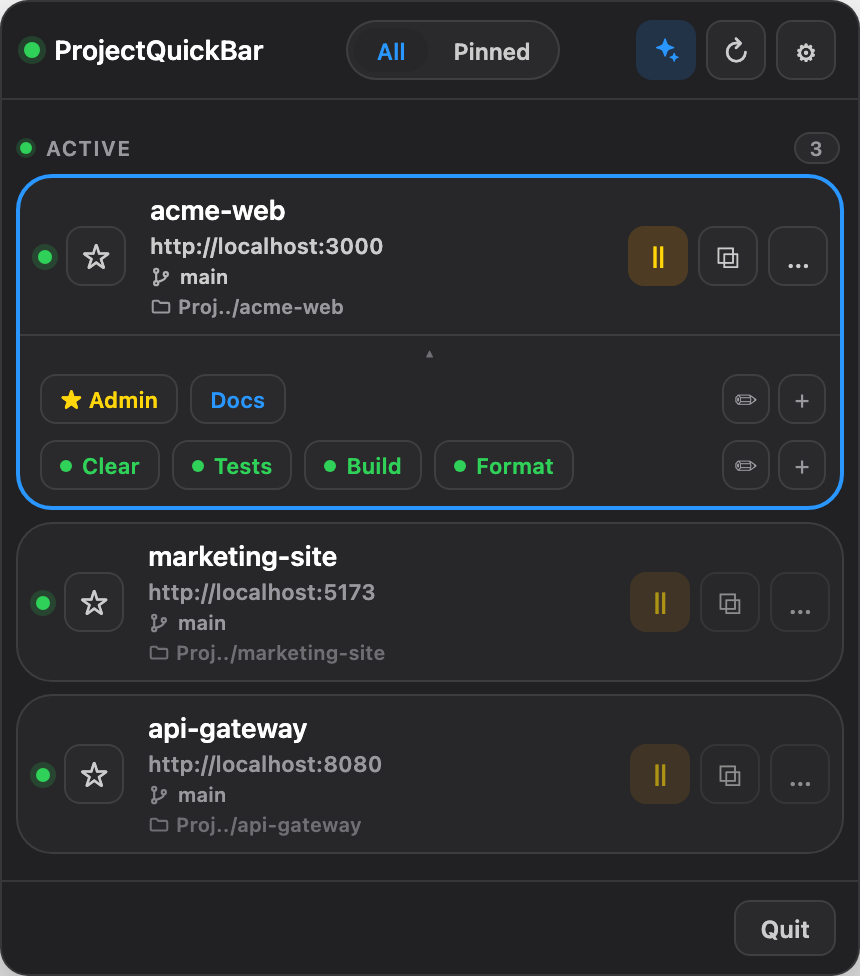
Share
A live link in one click.
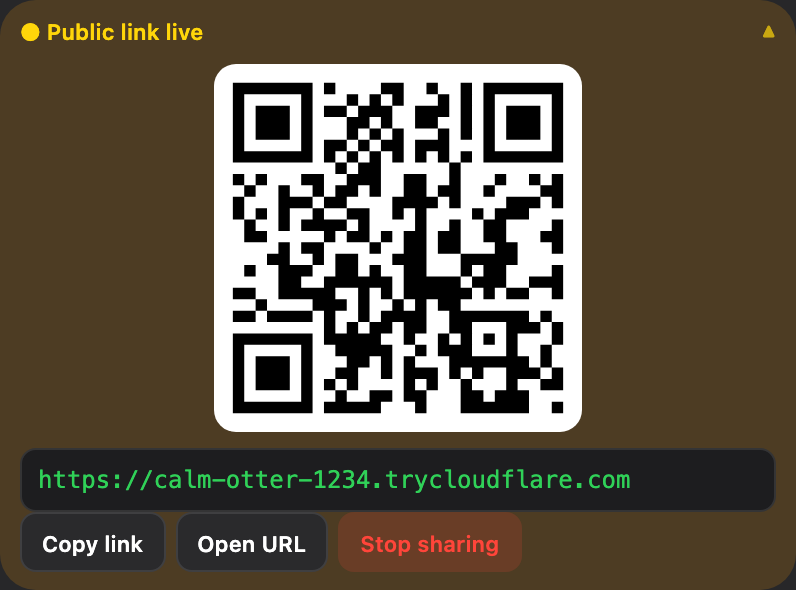
Get a public trycloudflare.com URL and a scannable QR for any running project. Stop sharing just as fast — one click and the link is gone.
And more
Small app. Sharp edges.
Keyboard first
⌥⌘L opens the popover, ⌥⌘1–9 opens any project. Your hands never leave the keys.
Quick actions
Tests, builds, format — your per-project commands become one-click chips.

Recently Seen
Stopped servers stay listed for a while, ready to relaunch in one click.

Mobile Connect
Pair your phone over Wi-Fi or Tailscale and open projects from the couch.
One glance. Every project.
Runs quietly in your menu bar until you need it.
Free 7-day trial · One-time purchase €19.99 · Windows build is beta
Pricing
One license. Everything included.
Personal License
€19.99Freeduring launch
- Yours forever — one-time purchase, no subscription
- Use on 2 of your machines (Mac or Windows)
- All 1.x updates included
- Every feature: run, chips, sharing, Mobile Connect
- 14-day money-back guarantee
free during launch — just download
No account, no card, no license key during launch.
Built by one international student. If ProjectQuickBar saves you time, buy me a coffee — donors count as already paid if it ever becomes paid.
Questions, answered.
Is there a menu bar app that shows all my localhost dev servers?
Yes — that is exactly what ProjectQuickBar is: a Mac menu bar (and Windows tray) app that detects every local dev server, and lets you open, run, stop or share any project in one click, without hunting through terminal tabs.
Is it really free?
During launch, yes — the full app, no account, no card, no license key. The planned price is a €19.99 one-time purchase. If you support development with a donation now, you count as already paid if ProjectQuickBar ever becomes paid.
Is this a subscription?
No. You buy ProjectQuickBar once and it's yours, with all 1.x updates included.
Which platforms does it run on?
macOS 13 or later on Apple Silicon, and Windows 10/11 on x64. The Windows build is new and labeled beta — it works, and we're polishing fast. An Intel Mac build is on the list — email us if you need it.
Does my code ever leave my machine?
Never. Project detection, run commands, and everything else happen locally, and nothing is exposed unless you explicitly start a share. The app fetches a tiny config file and reports anonymous feature-usage counts (which features get used — never your code, project names, or files); a Settings toggle turns the usage reporting off. Details in the privacy policy.
What does "Share public" actually do?
It starts an ephemeral Cloudflare quick tunnel to that one project's dev server and hands you the URL plus a QR code. Click Stop sharing and the link is dead — ProjectQuickBar itself is never exposed.
Does it work with my stack?
If it serves on localhost, ProjectQuickBar sees it — Vite, Next.js, Rails, Laravel, Django, plain node scripts. Run commands come from your project or a one-line config.
Why does my OS warn me on first launch?
The builds aren't yet notarized with Apple or code-signed for Windows, so macOS asks you to approve the app once (System Settings → Privacy & Security → Open Anyway) and Windows SmartScreen wants "More info → Run anyway". One-time, and signing is on the roadmap.
What if it's not for me?
Email us within 14 days of purchase and you get a full refund, no questions asked.